photo_camera Built into KwickPOS 内置于 KwickPOS Integrado en KwickPOS

AI menu photos,
built into KwickPOS.
AI 菜品照片,
内置于 KwickPOS。
Fotos de menú con IA,
integradas en KwickPOS.

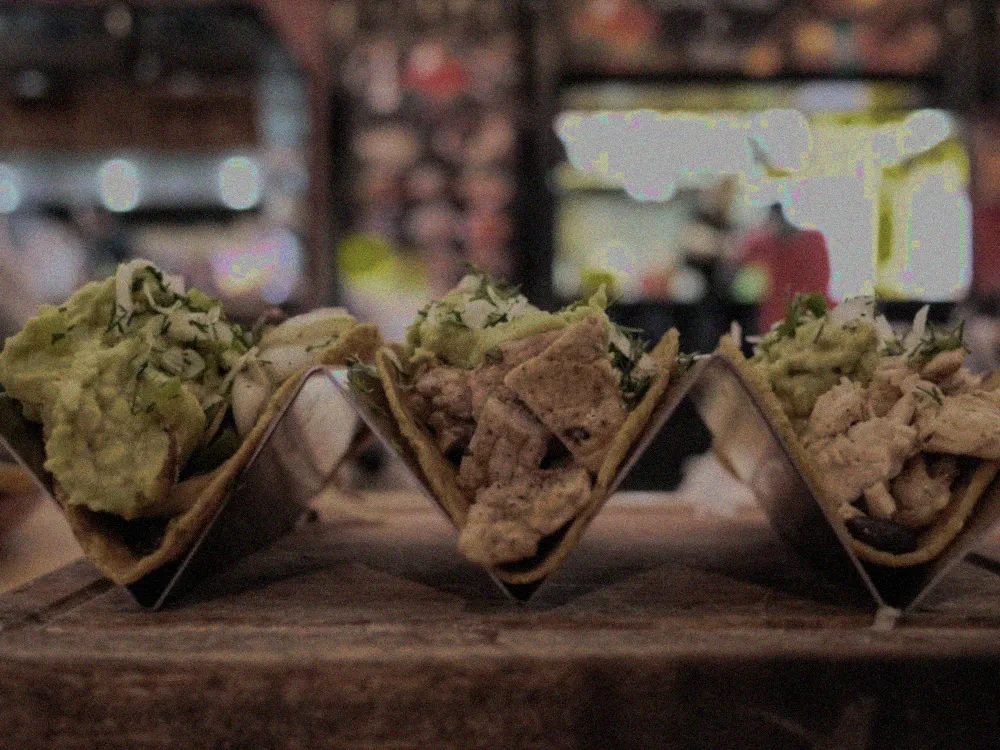
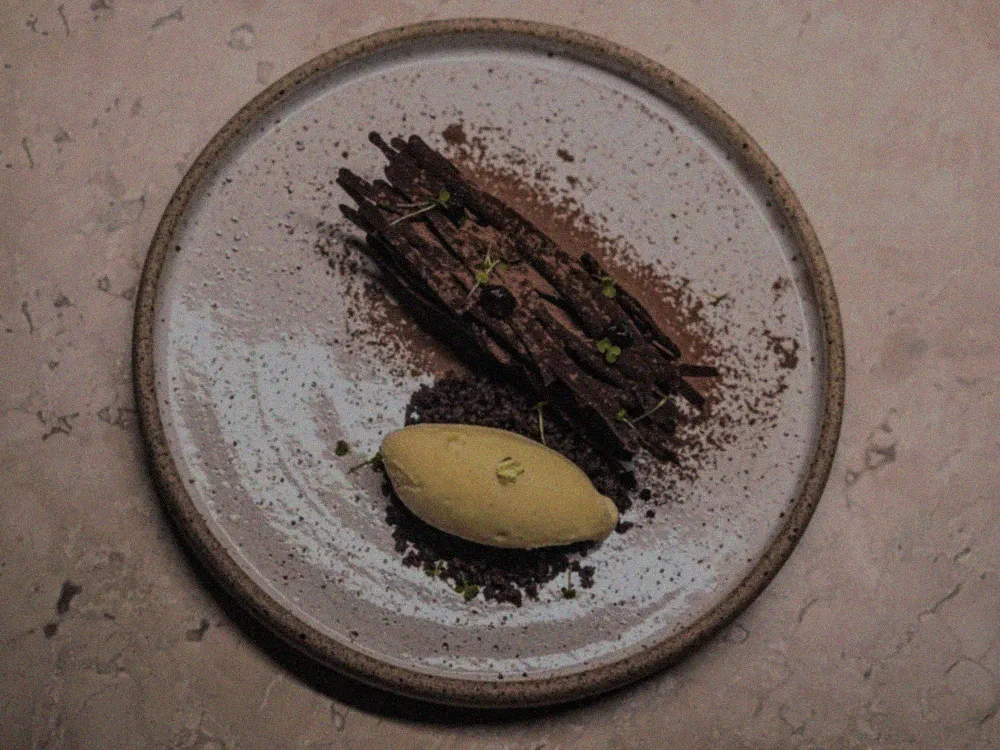
Snap a photo in the KwickPOS item editor. AI cleans the lighting, background and composition — then you approve and publish it straight to your menu. No photo shoot, no photographer. 在 KwickPOS 菜品编辑器里拍一张照片,AI 自动优化光线、背景和构图,您确认后即可一键发布到菜单。无需拍摄,无需摄影师。 Tome una foto en el editor de artículos de KwickPOS. La IA mejora la iluminación, el fondo y la composición; usted la aprueba y se publica en su menú. Sin sesión de fotos, sin fotógrafo.

Raw phone photo of a burgerPhone snap
arrow_forward
AI-enhanced menu photo of the same burgerAI-enhanced

Illustrative example of the kind of enhancement.增强效果示意示例。Ejemplo ilustrativo del tipo de mejora.
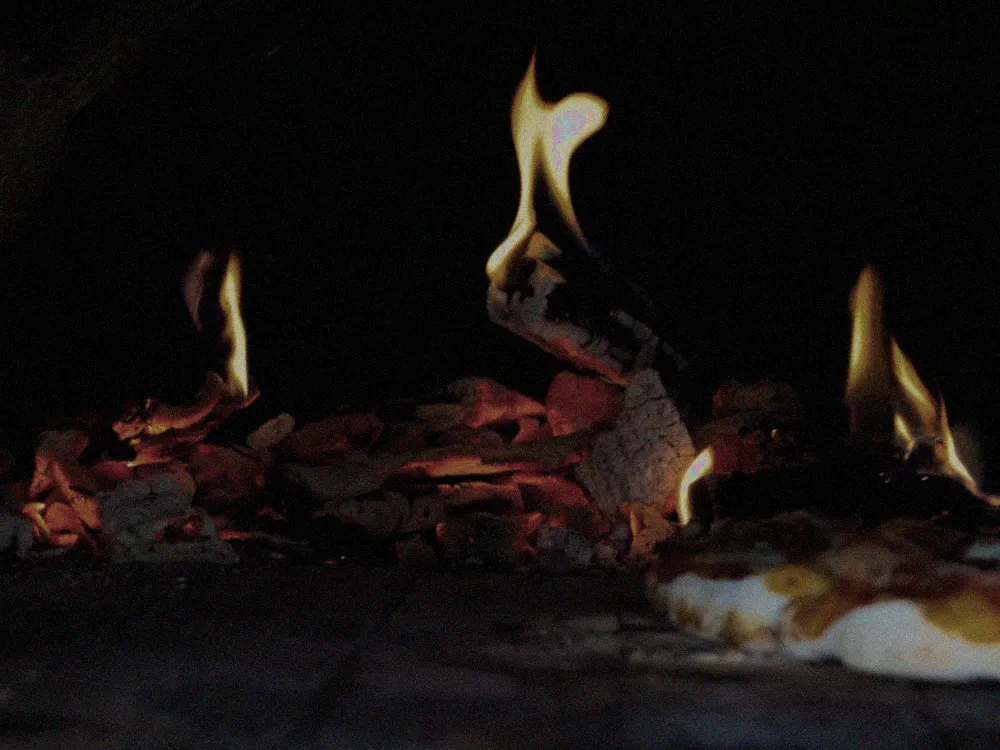
From Phone Snap to Pro Shot 从随手拍到专业照 De Foto Casual a Foto Profesional

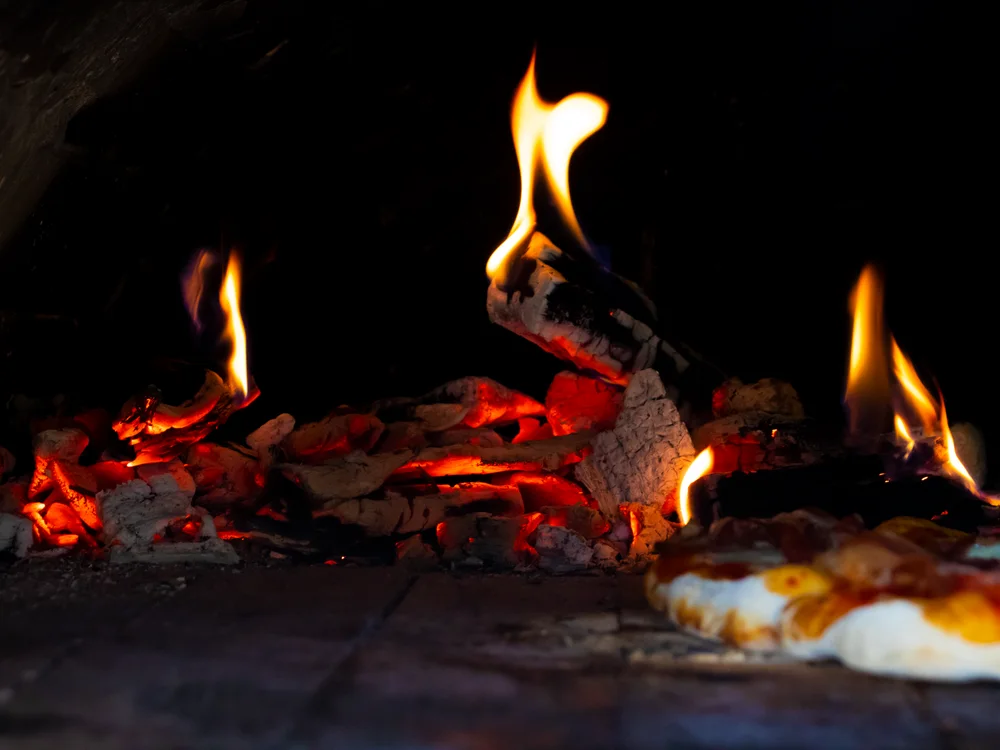
Raw phone photo of a pizza — dull and dim

Before 之前 Antes

Typical Phone Photo 普通手机拍摄 Foto Típica del Teléfono

Poor lighting, cluttered background, dull colors. Not exactly appetizing. 光线不佳,背景杂乱,色彩暗淡。毫无食欲感。 Mala iluminación, fondo desordenado, colores apagados. No muy apetitoso.

arrow_forward
AI-enhanced menu photo of the same pizza — bright and sharp

After KwickPhoto KwickPhoto 处理后 Después de KwickPhoto

AI-Enhanced Result AI 增强效果 Resultado Mejorado por IA

Perfect lighting, clean background, vibrant colors. Ready for your menu. 完美光线,干净背景,鲜艳色彩。即可用于菜单。 Iluminación perfecta, fondo limpio, colores vibrantes. Listo para su menú.

From menu item to menu-ready image从菜品到可用照片Del artículo del menú a la imagen lista

1restaurant_menu

Open a menu item打开菜品Abra un artículo

In the KwickPOS item editor, pick the dish you want a photo for.在 KwickPOS 菜品编辑器里选择要配图的菜品。En el editor de KwickPOS, elija el plato.

2photo_camera

Snap or upload拍摄或上传Tome o suba

Take a quick phone photo, or drop in one you already have.用手机快拍一张,或上传现有照片。Tome una foto rápida o suba una existente.

3auto_fix_high

AI enhancesAI 增强La IA mejora

AI cleans the lighting, background and composition — you review before/after.AI 优化光线、背景与构图,您对比确认。La IA mejora luz, fondo y composición; usted revisa.

4publish

Approve & publish确认并发布Apruebe y publique

Publish to your KwickPOS menu, digital menus and online ordering.一键发布到菜单、电子菜单和在线点餐。Publique en su menú, menús digitales y pedidos en línea.

Everything Your Menu Photos Need 菜单照片所需的一切功能 Todo lo que Necesitan sus Fotos del Menú

auto_fix_high

AI Enhancement AI 智能增强 Mejora con IA

One-tap AI transforms amateur photos into studio-quality images with professional lighting and composition. 一键 AI 处理,将业余照片转化为拥有专业灯光和构图的影棚级图片。 La IA de un solo toque transforma fotos amateur en imágenes de calidad de estudio con iluminación y composición profesional.

auto_awesome

Background Removal 背景去除 Eliminación de Fondo

Instantly remove cluttered backgrounds and replace them with clean, professional surfaces. 即时去除杂乱背景,替换为干净、专业的表面。 Elimine al instante fondos desordenados y reemplácelos con superficies limpias y profesionales.

palette

Color Correction 色彩校正 Corrección de Color

AI adjusts white balance, saturation, and warmth so your dishes look as delicious as they taste. AI 自动调整白平衡、饱和度和暖色调,让菜品看起来与口感一样美味。 La IA ajusta el balance de blancos, la saturación y la calidez para que sus platos se vean tan deliciosos como saben.

restaurant_menu

Menu-Ready Export 菜单就绪导出 Exportación Lista para Menú

Export in the perfect size and format for print menus, digital displays, and delivery apps. 以完美尺寸和格式导出,适用于纸质菜单、数字屏幕和外卖应用。 Exporte en el tamaño y formato perfecto para menús impresos, pantallas digitales y apps de delivery.

burst_mode

Batch Processing 批量处理 Procesamiento por Lotes

Enhance your entire menu at once. Process dozens of photos in minutes, not hours. 一次增强整个菜单。几分钟内处理数十张照片,而非数小时。 Mejore todo su menú a la vez. Procese docenas de fotos en minutos, no en horas.

verified

Brand Consistency 品牌一致性 Consistencia de Marca

Save your style presets so every photo matches your restaurant's brand look and feel. 保存您的风格预设,确保每张照片都符合餐厅的品牌视觉风格。 Guarde sus presets de estilo para que cada foto coincida con la imagen de marca de su restaurante.

Three Steps. Zero Hassle. 三步搞定,零麻烦。 Tres Pasos. Sin Complicaciones.

01
photo_camera

Snap 拍摄 Capture

Take a photo of your dish with your phone. Any angle, any lighting. 用手机拍摄您的菜品。任意角度,任何光线。 Tome una foto de su plato con su teléfono. Cualquier ángulo, cualquier luz.

02
auto_fix_high

Enhance 增强 Mejore

AI instantly enhances lighting, colors, and background in seconds. AI 在几秒内自动增强光线、色彩和背景。 La IA mejora al instante la iluminación, colores y fondo en segundos.

03
publish

Publish 发布 Publique

Add directly to your menu, website, or delivery platform with one tap. 一键添加到您的菜单、网站或外卖平台。 Agregue directamente a su menú, sitio web o plataforma de delivery con un toque.

Why operators use it 为什么商家会用它 Por qué lo usan los operadores

Skip the one-off photo shoots for routine menu updates. Take a phone photo in the item editor, let AI make it menu-ready, and keep item images consistent across your POS, digital menus and online ordering — without waiting on a photographer. Results vary with your menu, starting photo and channel. 日常更新菜单照片,无需再单独约拍。在菜品编辑器里用手机拍照,AI 自动优化为可用照片,让菜品图在 POS、电子菜单和在线点餐渠道保持一致,无需等待摄影师。实际效果因菜品、原始照片和渠道而异。 Evite las sesiones de fotos puntuales para actualizaciones de menú. Tome una foto con el teléfono en el editor, deje que la IA la deje lista, y mantenga las imágenes consistentes en su POS, menús digitales y pedidos en línea, sin esperar a un fotógrafo. Los resultados varían según su menú, la foto inicial y el canal.

Stop Overpaying for Menu Photos 别再为菜单照片多花冤枉钱 Deje de Pagar de Más por Fotos del Menú

Skip one-off photo shoots for routine menu updates — enhance, approve, and publish from inside KwickPOS. See it on your own menu. 日常菜单更新无需再单独约拍——在 KwickPOS 内即可增强、审核并发布。用您自己的菜单来体验。 Evite sesiones fotográficas puntuales para actualizaciones de menú: mejore, apruebe y publique desde KwickPOS. Véalo en su propio menú.

Book a KwickPOS demo 预约 KwickPOS 演示 Reserve una demostración de KwickPOS arrow_forward
Summer 2026

Summer menus deserve summer photos

Match specials and patio menus launched everywhere this summer — most with last year's photos. Fix that:

Summer menu photo guide →

Pro-Quality Menu Photos, Without a Studio

KwickPhoto helps restaurant owners get menu and food photography that actually sells — with nothing more than a smartphone and the right technique. Lighting, composition, styling, editing, and managing a growing photo library across every platform.

Shoot on a smartphone
Get professional food shots with the phone already in your pocket.
Phone photography →
Composition rules
The framing rules that make food look irresistible.
Composition →
Optimize menu photos
Size and format photos right for online ordering.
Menu photo tips →
Editing apps for 2026
Finish food photos fast, without overdoing it.
Editing apps →
A/B test your photos
See how one photo change moves online-ordering conversion.
Photo A/B testing →
Manage your library
Keep brand photos organized across locations and platforms.
Asset management →

Start with smartphone food photography or the menu-photo optimization guide.

Part of KwickOS · Voice AI

Great photos and AI ordering, working together

The best menu photo does its job the moment a guest orders. KwickPhoto is part of the KwickOS family alongside KwickPhone's AI voice ordering — so the photos you shoot show up everywhere guests order, including AI-assisted phone and online channels.

Explore KwickPhone voice AI →